
Searching Cases by Name
Gaston County cases live in the North Carolina eCourts Portal. That is the public search channel for the county's trial courts. Smart Search defaults to Case Number or Party Name. Its documented choices also cover business names and citation numbers. One caution: a plain name search can sweep in statewide results. Use Advanced Filtering to pin the location to Gaston County. Remember that the basic search criterion is required. An advanced filter alone will not run a search.
- Open Portal Smart Search and enter a party name, business name, citation number, or the exact case number if it is known.
- Open Advanced Filtering and choose Gaston County under the location filter. Add a case type, status, or file-date range only when that fact is known.
- Run the search and open the public Case Summary or Register of Actions rather than relying only on the result list.
- Read the case information, assignment, events, hearings, disposition, and applicable financial information. Use Search Hearings or the calendar for a current setting.
- If a public result does not resolve the question, use the Gaston courthouse public terminal or contact the Clerk of Superior Court for the appropriate record route.
One caution from the Portal guide deserves attention. It warns against choosing Party Name under Advanced Filtering for a broad docket search, since that option narrows results and skips wildcard support. For a Gaston County case lookup, begin with the basic name search and layer on narrow filters only if the list runs long.
| Smart Search field | Type | Required | Gaston County use |
|---|---|---|---|
| Smart Search / Search Criteria | Text box | Yes for a basic search | Enter a case number, party, business, citation, or selected search criterion. |
| Search Type | Selector in Advanced Filtering | Optional | Includes Case Number, Party Name, Business Name, Citation Number, and related types. |
| Advanced Filtering Options | Expand/collapse | Optional | Opens General, Party Search, and Case Search filters. |
| Filter by Location | Dropdown | Optional | Set it to Gaston County to narrow statewide results. |
| Include | Checkbox/select | Optional | The guide depicts Cases as the included record category. |
| Party, nickname, sounds like, or business name | Search choices | Optional | Use the documented choices carefully when a broad name is common. |
| Date of Birth From / To | Date fields | Optional | Public results mask month and day and may show only the year. |
| Gender or ethnicity | Dropdowns | Optional | Party-search criteria; the accessible guide does not transcribe every option. |
| FBI Number or SO Number | Text fields | Optional | Availability depends on the access level. |
| Filter by Case Type | Dropdown | Optional | Can distinguish Civil General, Civil Magistrate, Criminal, Infraction, estate, or special-proceeding records. |
| Filter by Case Status | Dropdown | Optional | Do not assume the status menu narrows automatically by case type. |
| File Date Start / End | Date fields | Optional | Use only when the filing period is known. |
Gaston Smart Search Name Limits
Every Gaston County name search has limits worth knowing up front. The public result can mask the month and day of a date of birth. Portal offers no Social Security number check. Run a common name and you may pull several Gaston County cases. You may also pull a statewide list that is far too broad. The location, case-type, status, and date filters exist for exactly this problem. Use them to sort results. And treat masked details as a hint rather than proof of identity.
Business names carry their own warning. According to the Portal guide, a wildcard placed after an initial space or special character may not work the way you expect. Lead with the exact name or number you already have. Then refine the Gaston County results instead of trusting a broad wildcard sweep.
Gaston Case Summary Through eCourts Portal
Portal is not a database Gaston County built on its own. On October 13, 2025, the county joined the statewide Enterprise Justice eCourts system, known as Odyssey. Smart Search is the public doorway to the detailed Case Summary. Locals also call it the Register of Actions. Anyone can search anonymously. A registered user can save public cases in My Cases. Elevated Access goes only to people with a verified business need and legal authority for nonpublic information.
The Case Summary aims for near real time. Yet it stays a public summary built from the clerk's official record. Per the official FAQ, case summaries and public document images usually post within minutes of an Odyssey upload, though processing volume can slow things down. For a time-sensitive Gaston County hearing, go a step further. Check Search Hearings and the court calendar.
The Judicial Branch Portal training page explains public access, saved cases, Search Hearings, and the Case Summary.
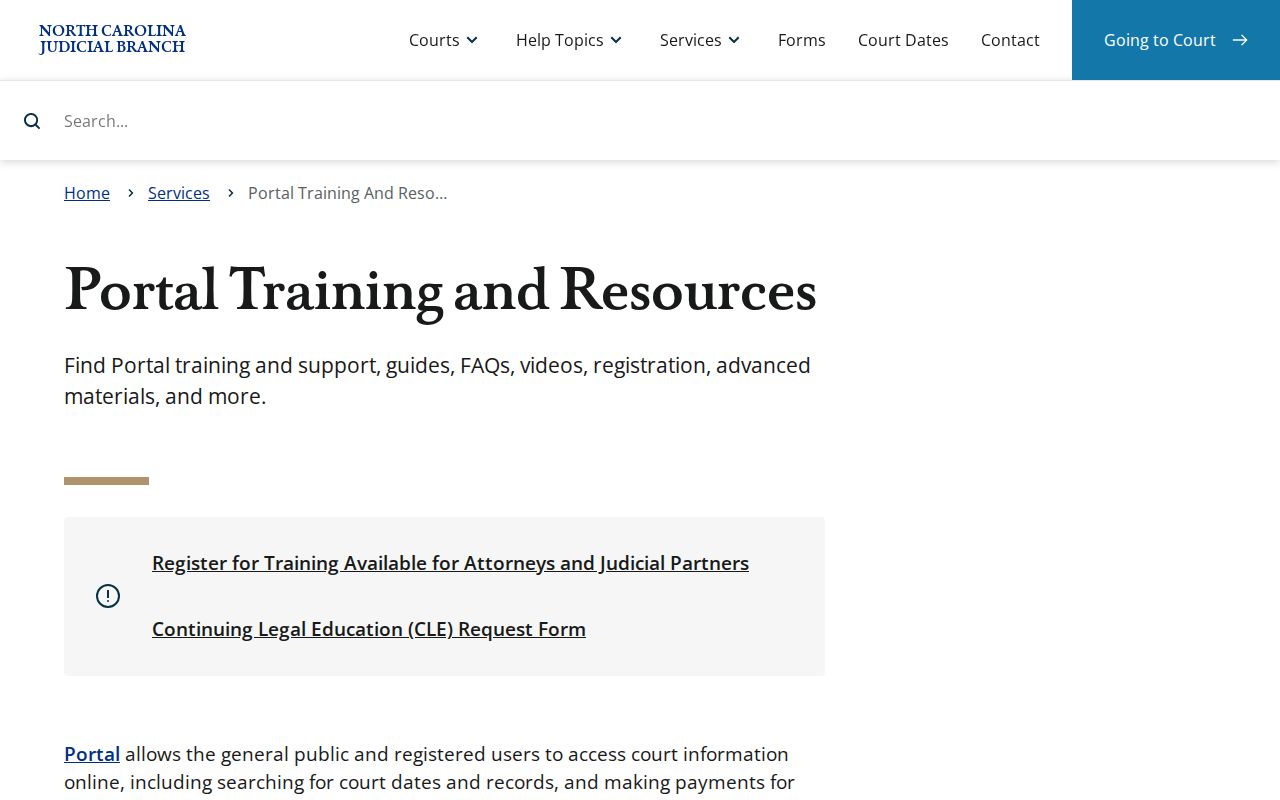
The official training material is a solid place to start any Gaston County search because it draws a clear line between public Smart Search and restricted elevated access.
Note: Registering for Portal lets you save public cases, but it does not unlock restricted Gaston County court records.
Searching by Case Number
A precise case number is the fastest route into a Gaston County case search. Type it exactly the way it appears on your citation, court paper, or an earlier Portal result. Gaston cases come in more than one case-type form. The official guide documents those forms. But it offers no fixed Gaston number-format chart, so guess at a county pattern and you will likely miss the record you want.
In the Smart Search criterion, paste the exact case number printed on the citation or court document. Set the location to Gaston County, then open the Case Summary. A traffic citation works here too. When the identifier returns nothing, recheck every character, the county filter, and the case type. Only then conclude the record is missing.
Older public records need a different touch. Gaston moved to Odyssey in 2025, so start at the Portal but expect gaps. A clerk-terminal or paper-file search is the supported fallback. Use it when an older record needs real verification. And do not ask the clerk to treat a Portal printout as a certified court record. That is not what it is.
Gaston Case Summary Document Downloads
A public Gaston County document image helps with record research. Yet it changes nothing about the record's status. When images are available, the Portal downloads them one at a time. Very large Gaston County files sometimes throw Error Code 141011. The fix is documented: contact the Gaston County clerk. The clerk can split a public document into smaller files where that makes sense.
That problem is about file access, nothing more. It is not proof that an absent image was never filed. The Gaston County Case Summary, the courthouse terminal, and the clerk record route are simply separate links in the same access chain.
Gaston Portal Views for Case Searches
Portal bundles several tools, and each has its own job. Smart Search locates a public case and opens its Case Summary. Search Hearings is your route to current dates and locations. Judgment Search behaves differently. The Portal FAQ tells you to enter at least a full last name, and it has no wildcards. So do not carry a wildcard trick from Smart Search over to Judgment Search. Do not expect it to work.
- Case Summary / Register of Actions
- The public chronological case timeline, with case information, events, hearings, and other permitted fields.
- Search Hearings
- The Portal view for a current hearing location and time, rather than a full case-history review.
- Judgment Search
- A separate Portal search view with its own documented name-entry limits.
- Wildcard
- An asterisk can assist a Smart Search, subject to the guide's business-name limitation involving spaces or special characters in the first three letters.
Each of the three tools does a different job. A Gaston County reader hunting a next hearing should not quit at an older Case Summary event. Check the current hearing view, then check the official calendar too. Smart Search and Judgment Search follow different query rules. A wildcard trick from one will misfire in the other.
What a Case Search Returns
Treat a public Gaston County Case Summary as a detailed index. Do not treat it as a certified copy. When information is public and applies, the Portal can display what the entry contains. A document image may appear. It may also be restricted, unavailable, or slow, since documents download one at a time. The search result is really the lead. Read the case timeline first, then pick the right clerk channel for anything official.
| Case identity | Case number, type, status, filing information, and public court or assignment information. |
|---|---|
| Parties | Public party information, subject to restriction and redaction rules. |
| Case events | The chronological Register of Actions entries, including filings, transfers, and other docketable events. |
| Hearings | Hearing information in the Case Summary, with current hearings searchable separately. |
| Disposition | A recorded outcome or status, which should be read with related events and financial information. |
| Financial information | Information where applicable. Portal updates can follow clerk updates to Odyssey. |
| Documents | A public uploaded image when available. A downloadable image is not a certified court document. |
Large files can throw Error Code 141011. When that happens, the Portal FAQ says to contact the clerk office. The clerk can split the document into smaller files. That is a document-access fix, not a reason to fall back on a commercial record site.
Gaston Location Filters and Broad Results
The North Carolina eCourts Portal covers the whole state. A plain name search can pull cases from many counties. Use the Gaston County location filter whenever a surname is common. It also helps when a business operates across the state. Add case type, status, and file-date filters only after a basic result proves they help. One trap: picking a case type does not narrow the status list. Results can come back incomplete.
Portal guidance also sets a 200-result cap. If a broad Gaston County search hits that ceiling, tighten the name. Add the location filter, set a date range, or use a known case type. Do not lean on masked public date-of-birth data as if it identified anyone. Public results hide the month and day of birth. The Portal offers no Social Security number validation.
Refine first: For a broad result list, narrow to Gaston County before adding status or date filters that could accidentally hide the public case sought.
Statewide vs County Case Search
Gaston County offers no separate county-only public docket database. The statewide eCourts Portal is the online case lookup. Its location filter narrows results to Gaston County. The county-level fallback is not some other website. It is the Gaston Clerk of Superior Court's public terminal, paper files, and copy process. That one clerk's office keeps the records for Superior Court, District Court, magistrate, estate, and special-proceeding matters alike.
| Channel | What it provides | When to use it |
|---|---|---|
| Statewide eCourts Portal | Public Smart Search, Case Summary, Search Hearings, and other Portal functions. | Start an online Gaston County case search and apply the location filter. |
| Gaston courthouse terminal | State-confirmed public self-service access for permitted criminal, civil, special-proceeding, and estate information. | Use when online results are incomplete or an older file needs verification. |
| Gaston Clerk of Superior Court | Paper-file access, copies, and official certification subject to access rules and fees. | Use for the original record, a public document, or an official copy. |
Found a current setting through a case search? The Gaston County court calendar route adds the published civil and criminal schedule on top of Portal Search Hearings.
Gaston Clerk Terminal After an Online Search
When Portal cannot resolve a case search, the Gaston County Courthouse is the practical public fallback. The Clerk of Superior Court sits at 325 Dr. Martin Luther King Jr. Way, Suite 1004, Gastonia. Hours are weekdays from 8:30 a.m. to 5:00 p.m. State court-records guidance confirms public self-service terminals there for permitted criminal, civil, estate, and special-proceeding information. Public paper files can be inspected in the county where the case sits.
Call the Clerk at (704) 852-3100 before going. Confirm routing, copy questions, or local process. Nobody promises a phone search, an immediate copy, or access to a restricted file. Bring the strongest identifier you have and the exact document or event you need. When an official copy matters, the clerk's official record controls, not the Portal display.
Note: Gaston's local courthouse device order bars cellphones, laptops, tablets, and recording devices except for listed exemptions. Check current courthouse directions before arriving.
Access and Restricted Cases
Portal allows anonymous public access to public case information. It is not free rein over every Gaston County court file. Sealed or expunged records stop appearing online. Confidential case types and legally protected identifiers are excluded too. A missing result may just mean a spelling, location, or case-type problem. Check those first. Even so, an empty search never proves no case exists.
Public results show the year of birth but mask the month and day. Registering is optional convenience for saving public cases. It grants no authority to open sealed, juvenile, confidential, or protected records. Elevated Access is role-based, reserved for users with verified legal authority. It is not a public upgrade anyone can buy.
N.C. Gen. Stat. § 7A-109 sets the clerk's public-inspection framework within legal limits. For any public file or official record question, the Gaston Clerk is the right contact. Access to a restricted matter still turns on the applicable law or court order.
Gaston County Records After the Cutover
Gaston County joined the statewide Odyssey system in October 2025. Start a public Gaston County search in Portal. An older Gaston County record may still need confirmation. Try the courthouse terminal or the clerk. The cutover does not guarantee that every earlier image is available remotely. Rely on the current Gaston County Case Summary for current facts. When you ask the clerk about an older public file, name the exact Gaston County case, document, event, or setting.
Gaston County No-Result Case Searches
A Gaston County case search that returns nothing is a prompt to widen the net. It is not proof the court matter is absent. Start with the basics. Respell the party name. Confirm the Gaston location filter and the case type. Check the exact case number printed on the citation or court paper. Some Gaston County court dockets also predate the Odyssey conversion. An older filing may simply sit outside the electronic index. Sealed, expunged, juvenile, and other protected categories stay hidden from public view as well.
Does the Portal give a thin or older result? Take the request to the Gaston courthouse terminal and the public-file route instead. The Clerk of Superior Court can explain the local records process for those cases. Staff will not read restricted details over the phone. The office does not promise general phone searches, either. Bring a public case number. Name the precise document or event you need. That turns a clerk visit into something workable.
Note: A missing Portal result can mean a public-access boundary or a paper-file quirk. Never try to bypass the court's access rules.