
How to Search Criminal Dockets
Gaston's public online route is the North Carolina eCourts Portal. It offers a public Criminal or Infraction Case Summary, also called a Register of Actions. Smart Search runs statewide. Filter the location to Gaston County, then search by case number or a person's name. You do not need an account for public access. Registering does let you save public cases. The Portal timeline is helpful, but it is not an official court record.
When the question is a current setting, use Search Hearings. Check the result against the Case Summary before trusting a prior event. The online result can be missing, restricted, or too old to answer the question. In that situation, the Gaston County Clerk of Superior Court is the record keeper. The clerk's public terminal and public-file route remain available alternatives for permitted records.
- Open Portal Smart Search and enter the known case number or party name.
- Choose Gaston County in the location filter and use Criminal or Infraction when the case type is known.
- Open the matching Case Summary and read the latest events, court assignment, status, and hearing entries.
- Use Search Hearings or the criminal calendar to check a current date, time, courtroom, or judicial officer.
- Ask the clerk for a public file, copy, or certified record when the online display is not enough.
Gaston Criminal Case Numbers
Gaston criminal case numbers in Enterprise Justice have four parts. These are a two-digit year, a letter case type, a six-digit sequence, and a three-digit county identifier. The de-identified criminal pattern is YYCR######-350. An infraction-only case uses YYIF######-350. The CR code means the case includes at least one criminal offense. IF marks an infraction-only matter.
Treat the format as a search aid, not a promise about every older paper-era record. Enter the number exactly when you know it. A statewide name search can return too many matches. The Gaston location, case type, filing-date filters, and a precise number can narrow the docket results to something useful.
Note: A case-status filter is not automatically limited to the chosen case type. An incompatible filter combination can hide an otherwise relevant Gaston result.
What a Criminal Docket Shows
A Gaston criminal Case Summary is a public timeline, not just a charge list. It may include the case identifier, party information subject to public-access rules, court assignment, events, hearings, disposition, and applicable financial information. Uploaded public documents may be available too. But a downloaded image is not the clerk's certified copy. Read the dates in order. Keep a case event separate from a future hearing.
| Case number | The Enterprise Justice identifier, such as YYCR######-350, used to locate the Gaston criminal file. |
|---|---|
| Case type and status | Criminal or Infraction and a current state such as Pending, Disposed, or Transferred to Superior Court. |
| Assignment | Public court or judicial assignment information that helps show the present court path. |
| Events and hearings | The Register of Actions chronology and public hearing entries, with Search Hearings as a separate current-date tool. |
| Disposition and finances | The recorded result and applicable financial information, neither of which replaces clerk confirmation for an official record. |
Gaston Criminal Status Terms
Portal publishes status words rather than a Gaston-specific abbreviation key. Use the wording that appears on the actual case. Pending means the record is not shown as resolved. Disposed or Completed signals a recorded result. The event history and any public judgment still give context. A status alone does not state every term of a court decision.
- Transferred to Superior Court
- The criminal path has moved to Superior Court, so the destination case history and calendar may also need review.
- Voluntarily Dismissed with Leave
- A documented Criminal or Infraction status that should be retained as Portal states it, rather than converted into a guessed local code.
- Pending Expungement
- An in-process status clue, not proof that a record has already been removed from lawful public access.
- Appealed / Appellate
- A marker for an appellate route, distinct from an ordinary Gaston trial-calendar entry.
Stages on a Criminal Docket
Criminal cases do not all move through the same events. A citation or summons may follow a different sequence. An arrest, plea, or felony trial path can differ from that. The state process offers a useful way to read the Gaston chronology. Initial process and filing can be followed by appearance or bond events. Pretrial activity comes next in many cases. A plea or trial follows, then a disposition and sentence-related entries. An appeal path appears where one is taken.
Docket flow: Charge Filed › Arraignment › Pretrial Settings › Plea or Trial › Disposition › Sentencing.
For a felony, an initial District Court stage can precede indictment and a Superior Court trial. A docket entry is evidence of the event recorded. It should not be read as a prediction of the next event, or as a substitute for the current hearing search.
Gaston Criminal Calendar Routes
Three sources serve different jobs. The Case Summary is the broader case timeline. Portal Search Hearings focuses on a current hearing search. Its keys include case number, party, courtroom, or judicial officer. The official Gaston criminal calendar is a published county schedule route. When a current setting matters, check more than one route.
North Carolina's court-date service directs people to Portal and statewide calendars. A calendar interface can change, or a case can be reset. If the calendar and Portal do not agree, contact the clerk at (704) 852-3100 for record routing. You could also call the published court-side office for a scheduling question. Either step beats assuming an older date controls.
The official calendar interface appears on the Gaston criminal-calendar source.
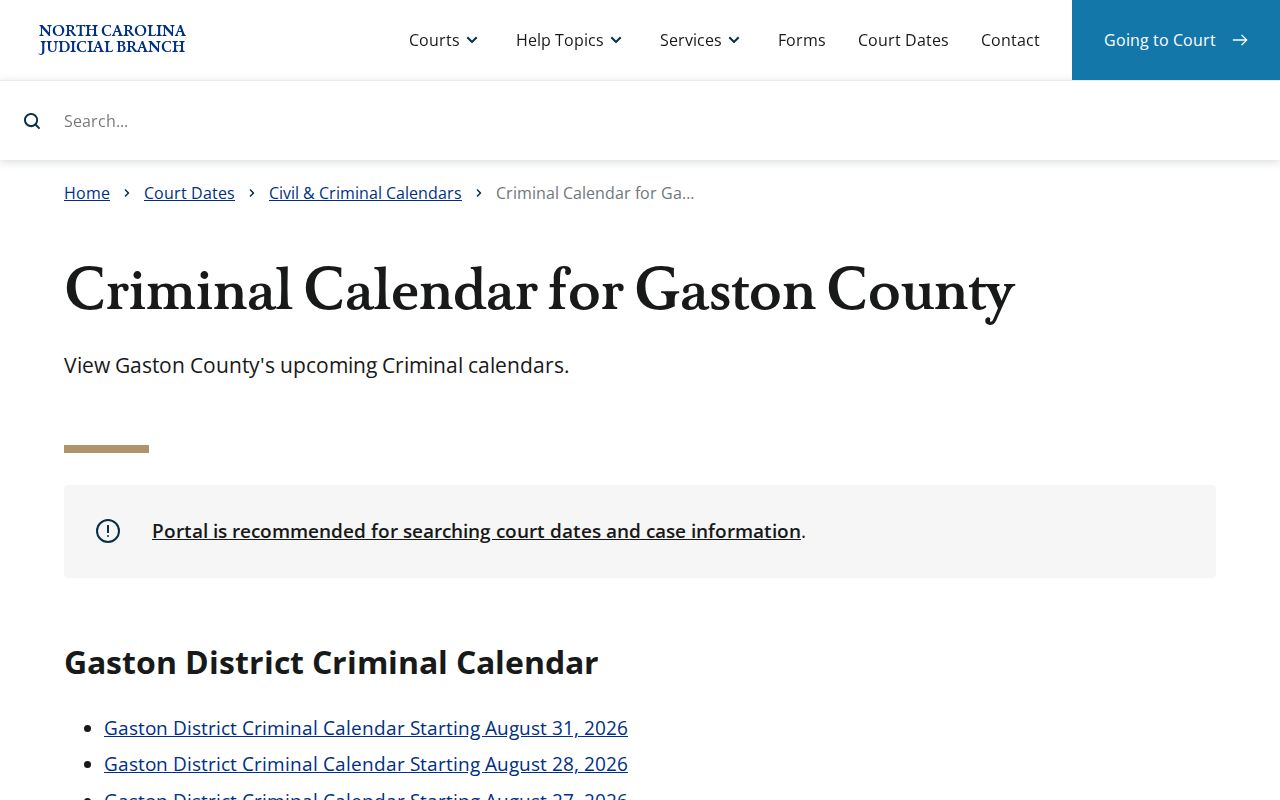
The calendar shows a public schedule path, while the case-specific Case Summary supplies the wider Register of Actions context.
Which Court Holds Criminal Dockets
One office keeps the docket books here. The Gaston County Clerk of Superior Court is the record keeper. That office covers both Superior Court and District Court. Misdemeanors and infractions belong mainly to District Court. A felony may pass through District Court for early pretrial work. Its trial happens in Superior Court. Magistrates, within the District Court division, handle certain preliminary criminal functions and some minor pleas.
The unified-clerk setup trips people up. A serious charge does not make the Clerk of Superior Court the keeper of Superior cases alone. Begin with the Gaston Portal result and the court shown on the Case Summary. If a transfer or appeal appears, follow that signal to whichever court now holds the active case.
For the official jurisdiction context on the lower trial division, the Judicial Branch offers its District Court overview.
That District Court jurisdiction is why a Gaston misdemeanor or infraction turns up in the same clerk system as a Superior Court felony.
Gaston Criminal Calendar Roles
The Gaston Clerk holds the criminal record; the calendar does a different job. Under a legacy local Criminal Case Docket Management Plan, the District Attorney sets and maintains the Superior Court criminal disposition calendar. The plan also tracks the number, age, type, and procedural status of pending cases. The plan carries an older judicial-district label. For present court routing, rely on the current county page and Portal instead.
The split matters when a record question and a scheduling question collide. Take file, copy, and certification questions to the clerk. Need a current setting? Use Portal Search Hearings, the criminal calendar, or the published court-side contact. A clerk-held case file and a posted calendar are related. They are not the same public record product.
Gaston Criminal Transfer Path
A Portal status of Transferred to Superior Court is a routing clue. It is not a dead end. Felonies often run through early District Court stages. That can include a probable-cause step before indictment and the Superior Court path. Search the original case and the destination history. If Portal identifies a transfer, never stop at the District Court entry.
A District Court misdemeanor conviction can also reach Superior Court through a trial de novo. That means a whole new trial rather than a review confined to the first court file. That route is distinct from an appeal of a Superior Court conviction to the North Carolina Court of Appeals. The Clerk stays the local record hub. The active court and status tell you which docket to read next.
Gaston Criminal Missed Settings
Never assume a missed or uncertain Gaston criminal setting was canceled. Search the Case Summary and Search Hearings first. Then check the Gaston criminal calendar for the current schedule. Still unclear? Call the Clerk at (704) 852-3100 for record routing, or the published Superior or District court-side line for scheduling. The clerk directory lists Superior Court Judges at (704) 852-3119. District Court Judges are at (704) 852-3117.
Current date first: A Gaston criminal calendar entry can change. Confirm the present setting through an official channel and follow the court’s instruction for the individual matter.
Depending on its posture, a court may reset a case or record a consequence for a nonappearance. The public record will not let a reader presume the remedy or the outcome.
Gaston Clerk Criminal Access
When you need a permitted public file in person, the courthouse fallback is the Gaston County Clerk of Superior Court at 325 Dr. Martin Luther King Jr. Way, Suite 1004, Gastonia. The main clerk line is (704) 852-3100. North Carolina confirms this. A public self-service terminal at a clerk's office can search permitted criminal information by defendant name, case number, or victim or witness name. The clerk also handles file inspection and copies as access rules allow.
Gaston Clerk of Superior Court
325 Dr. Martin Luther King Jr. Way, Suite 1004
Gastonia, NC 28052
(704) 852-3100
Public terminal, public-file, copy, and certified-record routing for Gaston criminal cases.
The Judicial Branch court-officials source describes the clerk’s statewide record-keeping role.
The clerk's record role is why a Portal printout and a certified Gaston criminal record are different products.
Gaston Criminal Copy Requests
Portal delivers public case information fast, but it is not the official record. When your question involves a filed document, a certified copy, an older file, an audio recording, or a document that will not open online, contact the Gaston Clerk. The statewide fee chart sets $2 for the first prepared page of a document. Each additional page or fraction costs 25 cents. A certificate under seal costs $3. Ask the clerk to confirm access and the current total before you make a request.
Do not mail a criminal case-file request to NCAOC. It is not the local custodian. The Judicial Branch public-record route separates administrative public records from court case files and points court-case users toward the court-record and clerk path.
Public Access and Sealed Criminal Dockets
North Carolina law opens clerk-maintained court records to public inspection during regular office hours. Access closes only when a law forbids it. Portal offers remote access to public information. It will not show sealed, expunged, confidential, or protected material. So a missing online result may reflect a restriction. It could also be an older record, a spelling or filter problem, or another lawful limit. Registration does not override any of those rules.
Key Rules:
N.C. Gen. Stat. § 7A-109 requires the clerk to maintain court records and generally allows public inspection unless access is prohibited.
N.C. Gen. Stat. § 7A-276.1 protects reporting of open-court matters but does not make every court file public.
N.C. Gen. Stat. § 132-1.4(k) identifies specified criminal records as public unless a court order seals them.
When a public result needs verification, use the clerk's lawful record process. Do not try to slip past a sealed or confidential status through another Portal filter.